I inherited a massive legacy codebase in 2022 where the previous lead developer had violently mixed every single CSS color format known to mankind. One button used a 3-character hex code (#F00). The hover state used an RGBA string (rgba(255,0,0,0.8)). The border used a named HTML color (darkred). The shadow used an HSL value. Every time I tried to globally update the brand colors, the find-and-replace regex failed, and the site completely broke.
CSS color codes are the mathematical instructions you give the browser to render pixels. There are currently four major, production-ready formats for declaring these instructions. If you don't pick one format and aggressively standardize it across your entire architecture, you are actively building unmaintainable technical debt.
The four production formats
1. Named Colors: Words like red, blue, and cornflowerblue. The dumb solution that works is completely banning these from your codebase. They are unpredictable across different browser engines, completely unscalable, and look incredibly amateurish. The only exceptions are transparent and currentColor, which are structurally necessary for advanced CSS trickery.
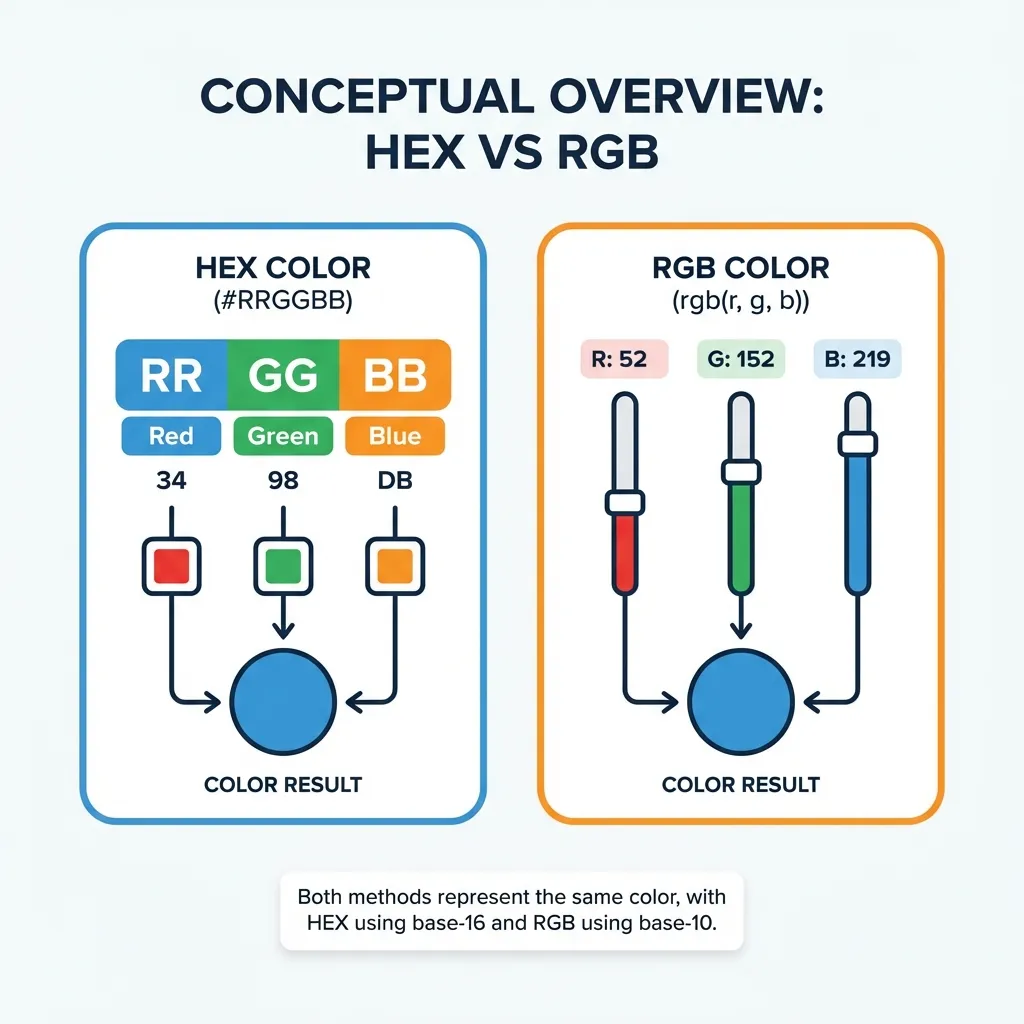
2. Hex Codes: The absolute industry standard. It uses Base-16 math (0-9, A-F) to represent Red, Green, and Blue. #FF0000 is pure red. I think hex codes should be used for 90% of your solid color declarations. They are short, universally understood by every design tool on earth, and extremely easy to copy-paste.
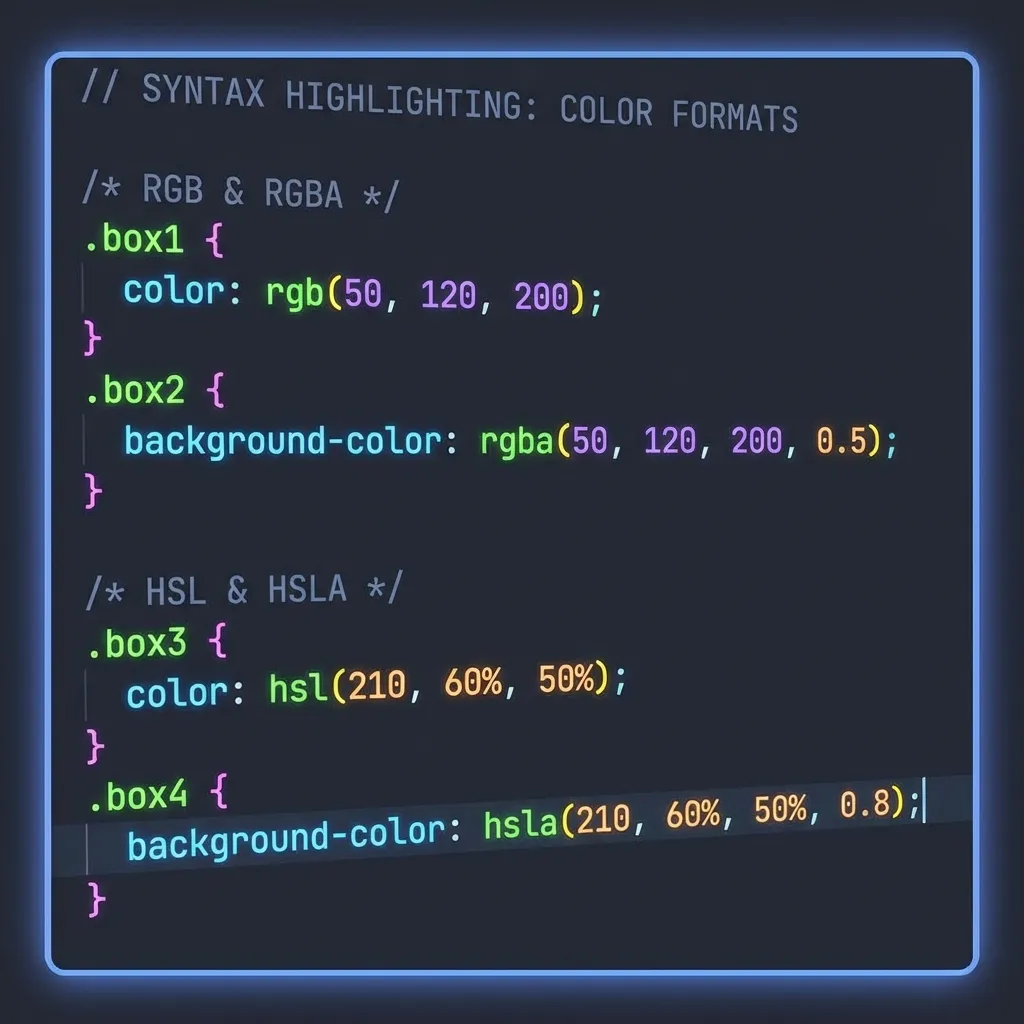
3. RGB / RGBA: This spells out the math in standard Base-10 integers from 0 to 255. rgb(255, 0, 0). This format was historically strictly necessary anytime you needed to control the alpha channel (transparency) by using rgba(0, 0, 0, 0.5). Today, native color-mix() functions are slowly replacing this need, but RGBA remains the most human-readable format for transparent overlays.
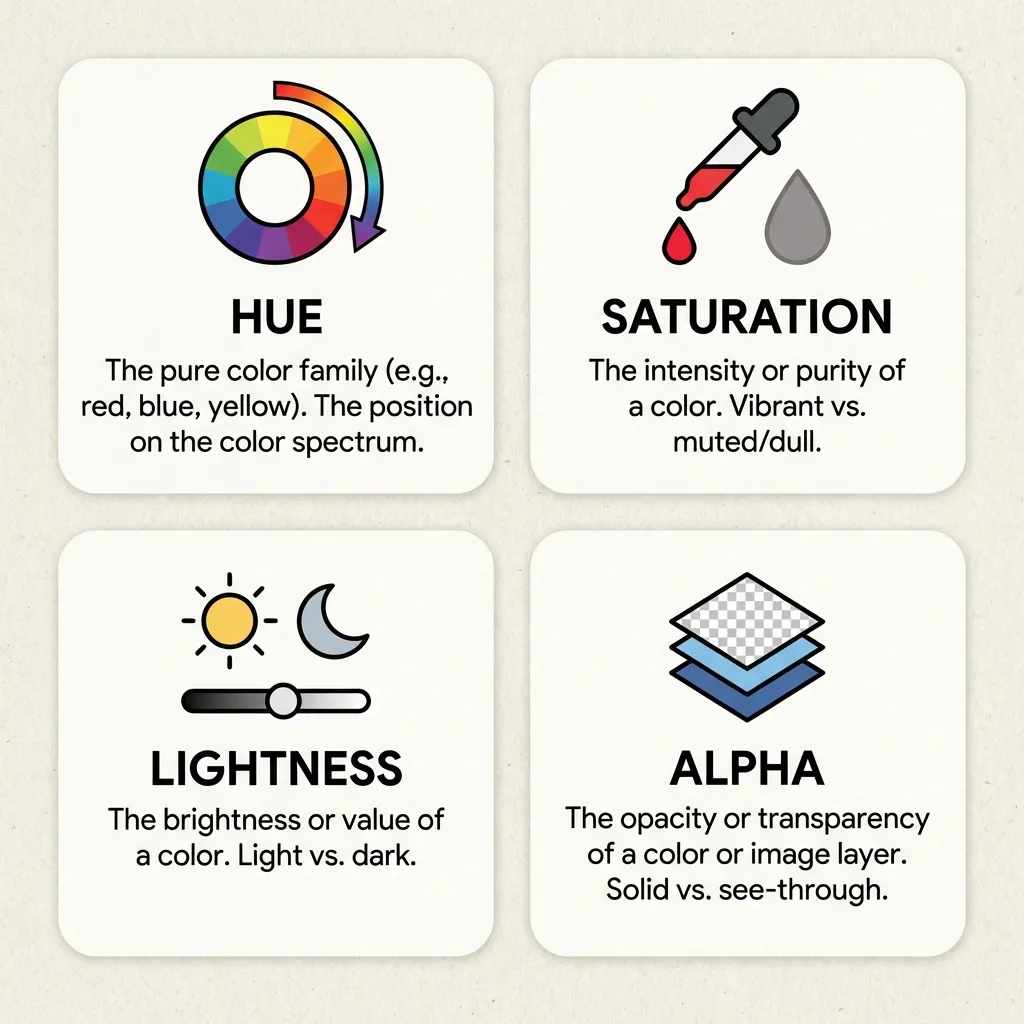
4. HSL (Hue, Saturation, Lightness): This maps colors to a 360-degree color wheel. It is the undisputed king of building scalable UI systems. If you have a primary button at hsl(200, 100%, 50%) and you need a darker hover state, you simply drop the lightness: hsl(200, 100%, 40%). You don't need to do complex Base-16 math in your head. It is entirely predictable.

The CSS variable abstraction layer
The format you choose matters significantly less than how you architect it. If you are hardcoding #2563EB into fifty different utility classes or React components, you are doing it wrong.
You must abstract your CSS color codes into variables (custom properties) at the global :root level. You define --color-primary: #2563EB; exactly once. Then, every button, border, and link in your application references that variable. If the client decides to rebrand to purple three days before launch, you change exactly one line of code, and the entire application updates instantly.
(I actually refused to start working on a massive frontend migration project last year until the client allowed me to spend a full week ripping out all of their hardcoded color values and replacing them with a strict, 12-token CSS variable system. It saved us hundreds of hours down the line.)
The cutting edge: Display P3
If you are building extremely high-end, premium web applications right now, you need to be aware of the color() function and the Display P3 color space. Modern Apple devices (and high-end Androids) have screens that can display significantly more vibrant, glowing colors than the standard sRGB web space allows.
You can now write color(display-p3 1 0 0) to access a pure, glowing red that is physically impossible to reproduce with a standard hex code. There's no clean solution to supporting older monitors with this syntax; the mandatory workaround is using CSS @supports queries to provide a standard hex code fallback for users on cheap 1080p office monitors. But if you want your software to look breathtaking on a Retina display, mastering these new CSS color functions is the future.