I used color: red; and color: blue; for the first three years of my web development career. I thought the browser just magically knew what colors I meant, and I assumed there were only about twenty colors available on the entire internet. It wasn't until a senior developer looked at my bloated, chaotic CSS file and physically laughed out loud that I realized how dangerous named HTML colors actually are in a production environment.
If you are writing color: lightgray; in your CSS today, you are completely handing over control of your brand and your UI to the browser's default rendering engine. Understanding how HTML color codes actually work under the hood is the absolute first step to becoming a front-end developer who can actually be trusted with a design system.
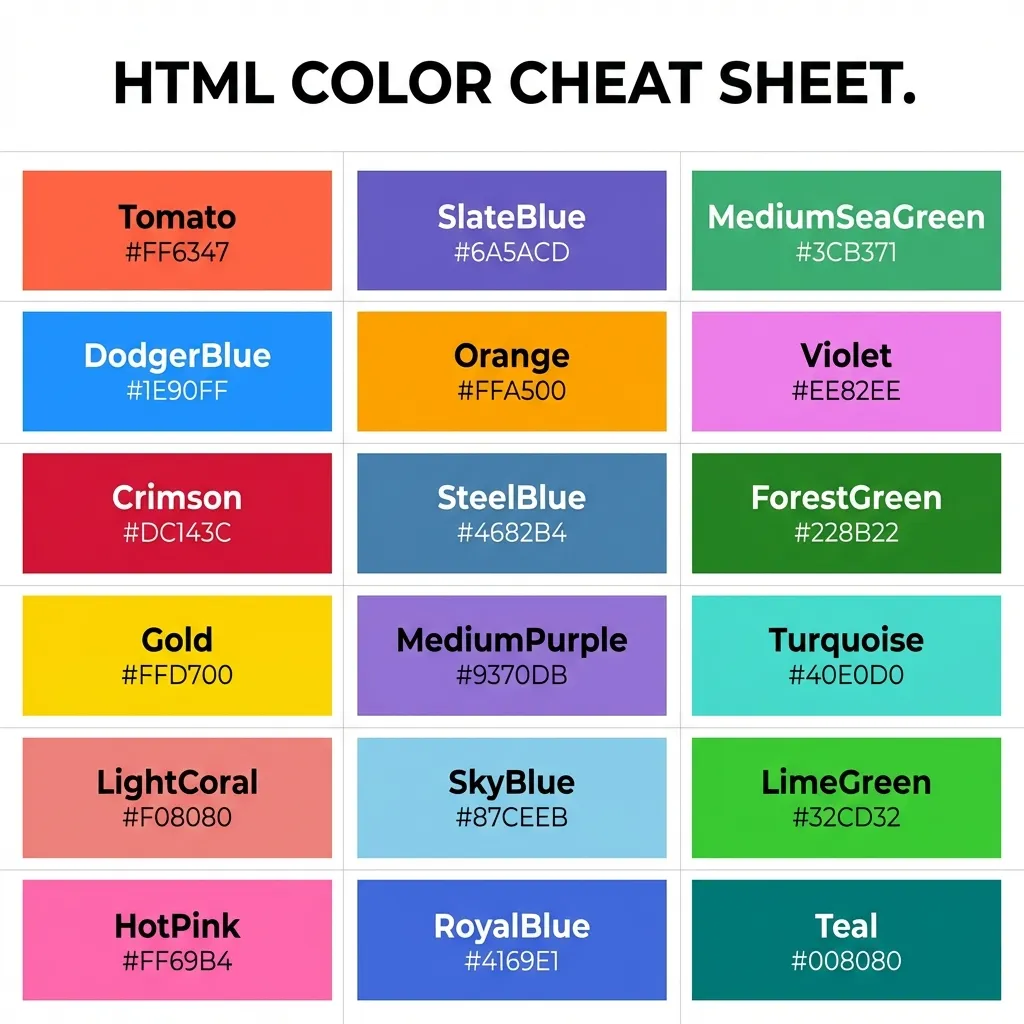
The dangerous trap of named HTML colors
HTML technically supports 140 officially named colors. You can type papayawhip, goldenrod, cornflowerblue, and the famously weird rebeccapurple directly into your stylesheet. They are incredibly fun for rapid prototyping in CodePen when you just need to throw a quick border around a div to see why your flexbox layout is collapsing.
However, they are completely and utterly useless in production software. A professional UI/UX designer will never, ever hand you a Figma file that specifies the brand's primary action color as dodgerblue. They will hand you a hyper-specific, mathematically precise hex code like #1E90FF.
The dumb solution that works is banning named HTML colors from your project entirely on day one. I configure my CSS linters to throw a hard error if any developer tries to commit a named color to the repository. The only exceptions I allow are transparent (which is functionally necessary for resetting backgrounds) and currentColor (which is a massive lifesaver for making SVG icons automatically inherit the text color of their parent container).
The shift to Hexadecimal (Hex) Codes
Hex codes are the absolute, undisputed universal language of web design. A hex code like #FF0000 is absolute. It leaves absolutely zero room for interpretation by the browser. Every single browser engine (Chrome, Safari, Firefox), every design tool (Figma, Sketch, Adobe XD), and every developer on earth understands it natively.
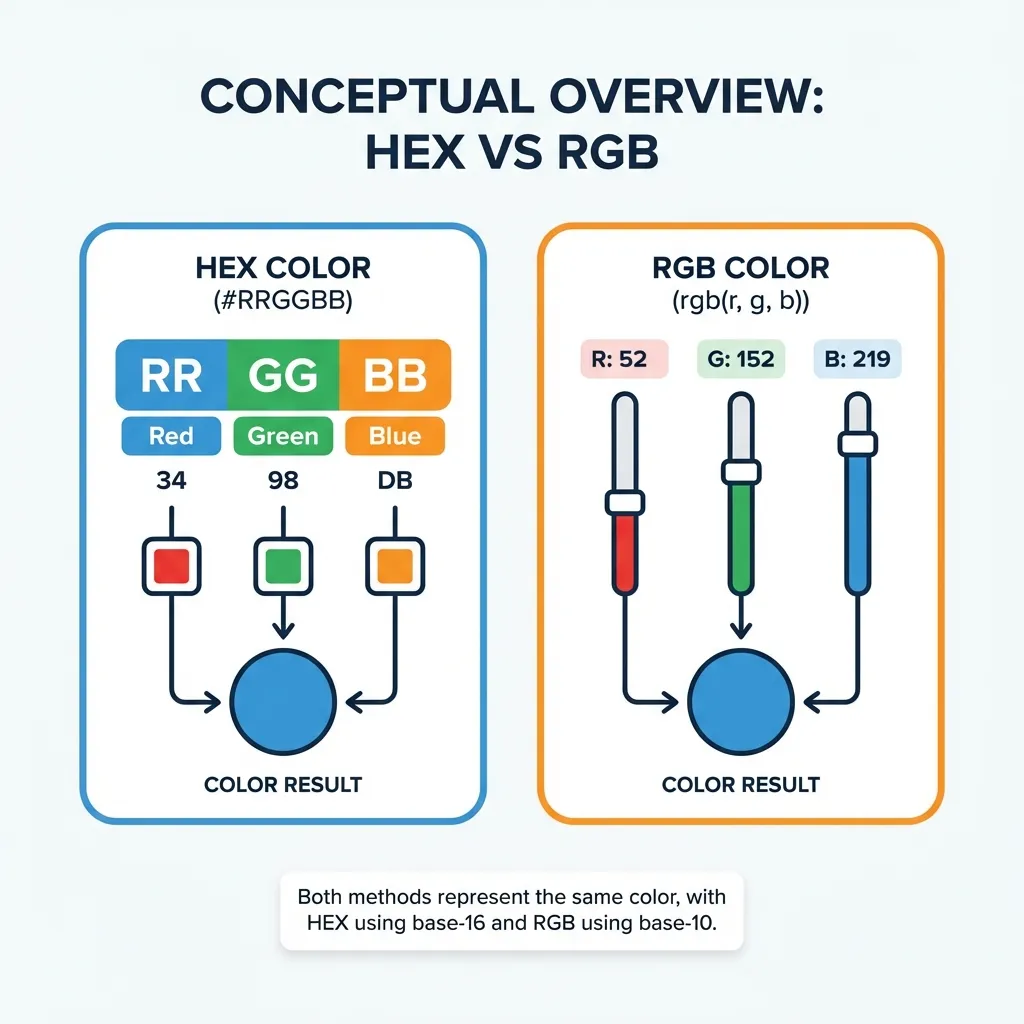
I think beginners get extremely intimidated by hex codes because they look like encrypted hashes. It's just a mix of random numbers and letters, right? Wrong. It is simply Base-16 math. We normally count in Base-10 (0 through 9). Hexadecimal counts from 0 to 9, and then uses the letters A through F to represent the numbers 10 through 15. The letter F is simply the maximum value (15).
A hex code is broken down into three distinct pairs of these Base-16 numbers, representing Red, Green, and Blue light. In #FF0000, the first pair is FF (maximum red light). The second pair is 00 (zero green light). The final pair is 00 (zero blue light). The result is pure, blinding red.
(I actually wrote a physical cheat sheet on a sticky note and stuck it to my monitor when I was starting out just to remind myself that A = 10 and F = 15. Once you realize it's just counting, you can actually start guessing the color of a hex code just by looking at the letters.)

The RGB and HSL alternatives
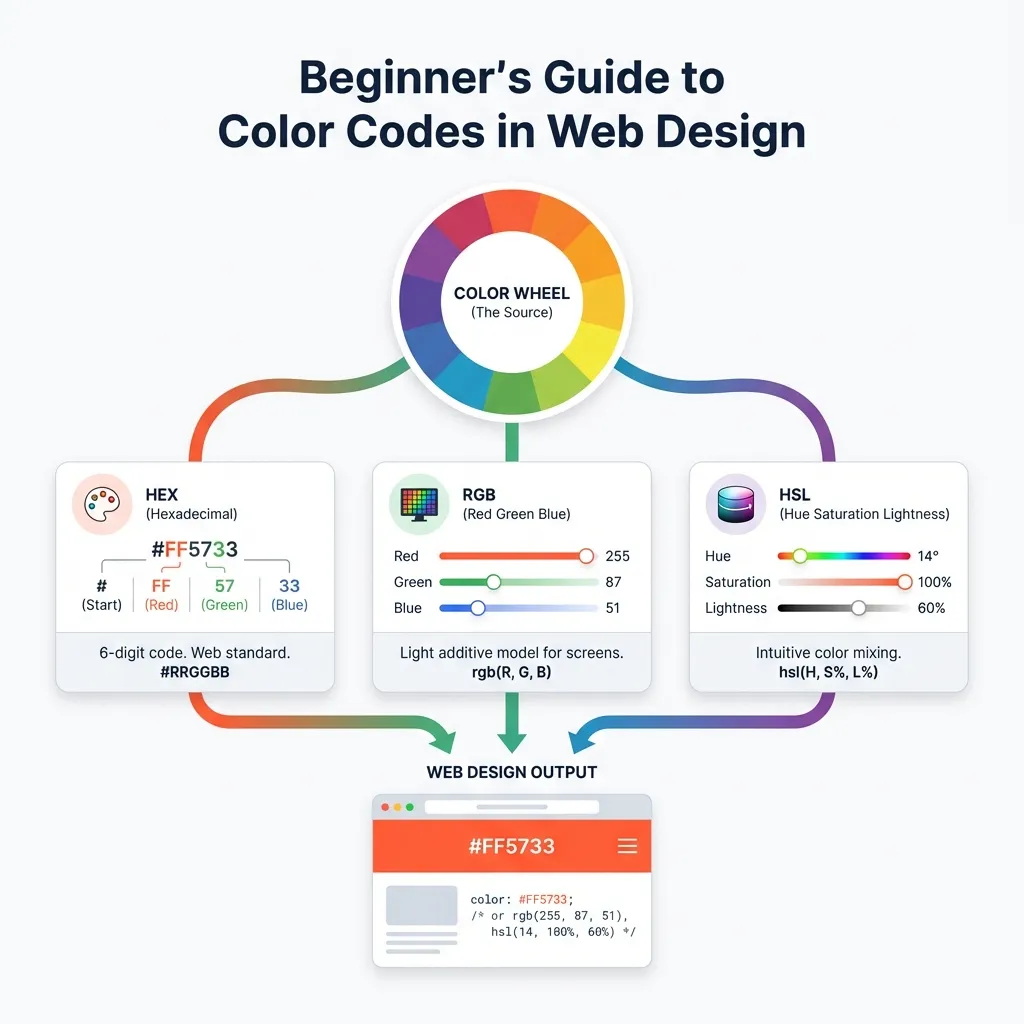
While Hex is the default, it is not the only way to declare colors in HTML and CSS. You will also heavily encounter RGB (Red, Green, Blue) and HSL (Hue, Saturation, Lightness).
RGB spells the math out in standard Base-10 numbers, from 0 to 255. Writing rgb(255, 0, 0) is the exact same instruction as #FF0000. The only reason to use RGB in modern web development is if you need transparency. The rgba() function allows you to append a decimal value between 0 and 1, like rgba(255, 0, 0, 0.5) for a 50% transparent red overlay.
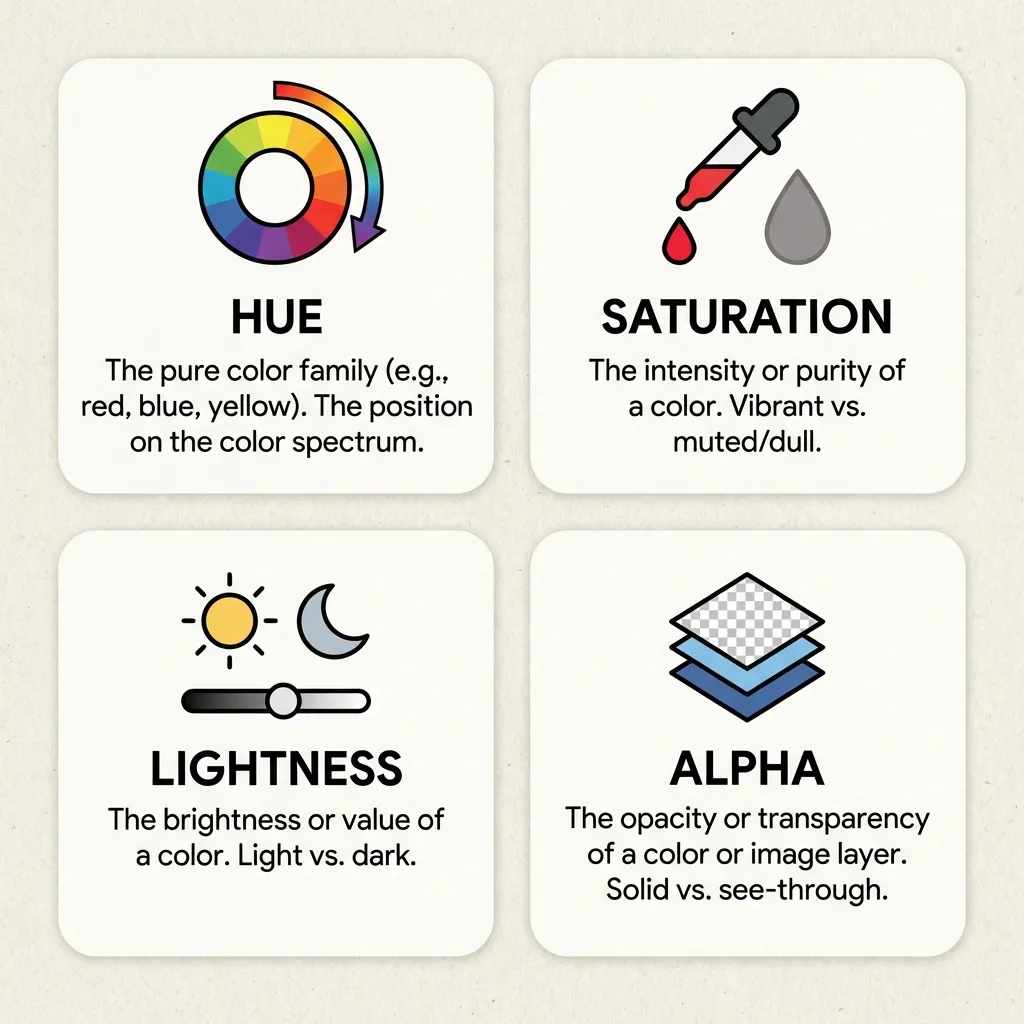
HSL is entirely different. Instead of mixing light, you pick a degree on the color wheel (Hue, 0-360), a percentage of color intensity (Saturation, 0-100%), and a percentage of brightness (Lightness, 0-100%). This is the format I exclusively use for generating UI hover states. If my base button is hsl(200, 100%, 50%), I don't need a calculator to make a darker hover state. I just drop the lightness to 40%. It is mathematically foolproof.
Migrating legacy codebases
There's no clean solution for migrating a massive, ten-year-old legacy codebase full of named colors like lightblue and darkgray; the necessary workaround is a painful, manual afternoon of global find-and-replace operations.
If you inherit a project like this, your first pull request should be ripping out every single named color and replacing them with CSS variables mapped to strict hex codes at the :root level. Learn the hex system on day one, enforce it rigorously, and save yourself the massive headache of trying to figure out exactly what shade of blue the browser thinks cornflowerblue is on a Wednesday.