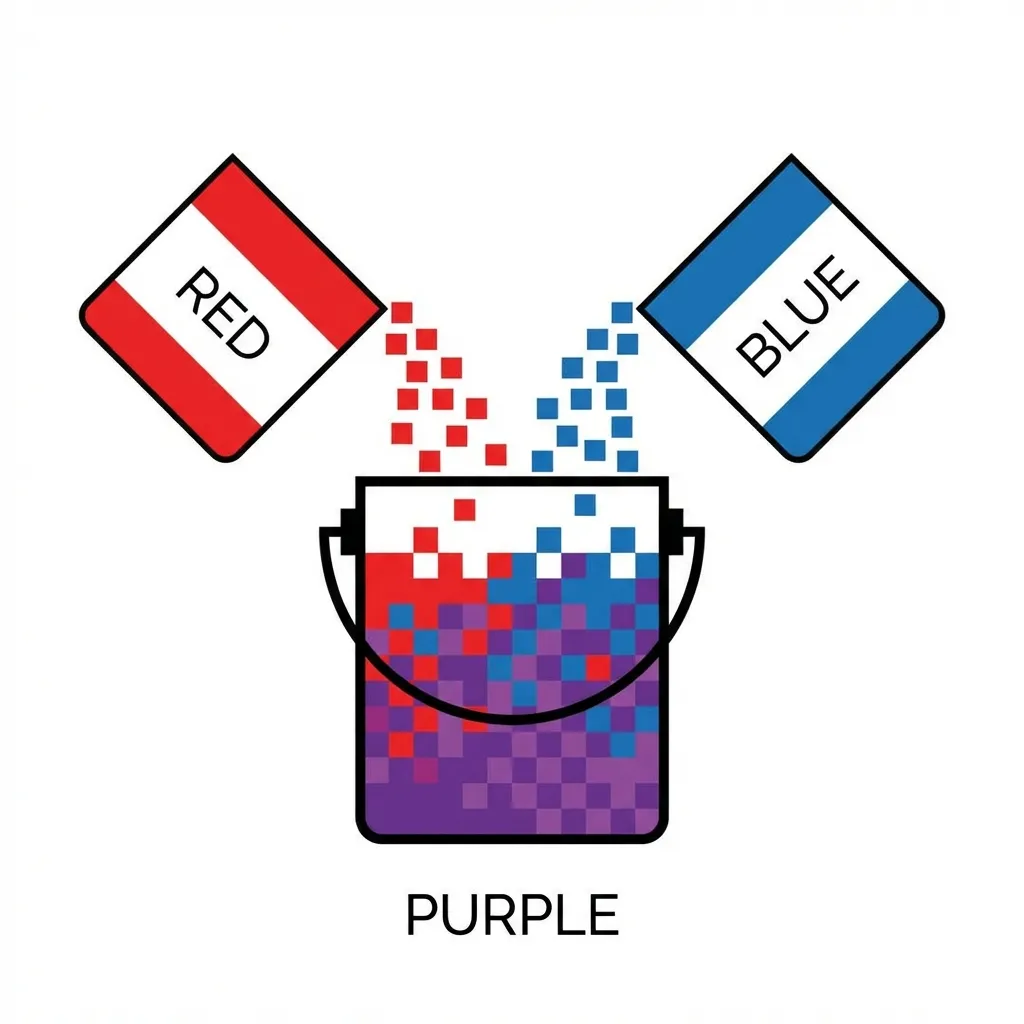
I proudly deleted forty lines of complex, heavily-nested Sass functions the exact day that color-mix() dropped in Chrome 111. For over a decade, front-end developers had to rely on heavy preprocessors like Sass or Less just to perform the simple task of darkening a hex code on a button hover state.
Native CSS has finally solved color manipulation, completely eliminating the need for build-step compilers. However, the syntax for this new feature is surprisingly clunky and difficult to memorize. Once you understand the strict structure, it will replace 90% of your color math dependencies and drastically clean up your stylesheets.
The strict syntax breakdown
The color-mix() function is extremely rigid. It requires exactly three arguments in a very specific order: the color space, the first color, and the second color.
The dumb solution that works for almost every standard web project is to just use the srgb color space. The basic syntax looks like this: color-mix(in srgb, #0000FF 80%, white). This explicitly tells the browser engine to take 80% pure blue and mathematically mix it with 20% white.
The function is actually quite forgiving with its defaults. If you don't specify a percentage for the second color, the browser automatically assumes it makes up the remainder of the 100%. If you omit both percentages entirely, it defaults to mixing them precisely 50/50. This makes it incredibly fast to write once you get the hang of the in srgb prefix.
Replacing Sass hover states forever
I firmly think Sass is dying specifically because of native functions like this. In the old days, if you had a CSS variable for your primary brand color, generating a hover state was a massive headache because Sass could not manipulate runtime CSS variables.
Now, generating a hover state is a simple one-liner directly in the browser:
background: color-mix(in srgb, var(--brand-primary) 85%, black);
This automatically darkens your dynamic brand color by exactly 15%. I use this exact pattern for every single button hover state I build now. It works beautifully across all modern browsers, and because it runs natively in the browser at runtime, you can mix colors based on dynamic CSS variables that change instantly depending on the user's dark mode preference. You simply cannot do that with a static Sass compiler.
The devastating interpolation space trap
Where this function gets incredibly weird and frustrating is the color space parameter. You have to explicitly type in srgb or in oklch. The color space you choose drastically alters the math the browser uses to blend the two colors together.
If you take a highly saturated, bright red and mix it with a highly saturated, bright green in the standard srgb color space, you don't get a nice transition. You get a muddy, ugly, washed-out brown. This happens because the sRGB color space is mathematically linear, drawing a straight line directly through the desaturated "dead zone" of the color wheel.
There's no clean solution to mixing highly saturated, opposing colors in standard RGB; the mandatory workaround is utilizing modern perceptual color spaces. If you change the function slightly to color-mix(in oklch, red, green), the browser calculates the mix based on how the human eye actually perceives light, rather than raw pixel output. The math curves around the color wheel instead of cutting through the center, resulting in a much cleaner, brighter, and significantly more vibrant transition.
(I actually broke a massive client's gradient implementation last year because I didn't realize Safari handled OKLCH interpolation slightly differently than Chrome at the time, resulting in a banding effect on iOS devices.)
The alpha channel trick
Beyond creating hover states, color-mix() completely solves the oldest problem in CSS: adding transparency to a hex code variable.
If you have --brand: #FF0000;, you can create a 20% opacity version of it simply by mixing it with the transparent keyword.
color-mix(in srgb, var(--brand) 20%, transparent);
This trick entirely eliminates the need to break your hex codes down into raw RGB integers. You don't need Sass anymore. You don't need complex hex-to-rgb conversion scripts. Use color-mix() for all your hover states and transparency overlays. Stick to srgb for basic light/dark manipulation, and switch to oklch if the mix looks muddy. It is native, blisteringly fast, and completely eliminates an entire layer of your build step.