I spent my entire first year as a junior web designer randomly dragging the color picker reticle around in Photoshop until things looked "okay" to my eye. My hand-offs to the development team were a complete nightmare. I would routinely send them CSS files that contained forty different, incredibly similar shades of gray, and twelve slightly different primary blues. The senior developer finally sat me down and explained how much technical debt I was personally creating.
Professional digital designers do not guess. They do not rely on "vibes" or intuition. They use hex codes mathematically to build strict, predictable, scalable systems that compilers can actually understand.
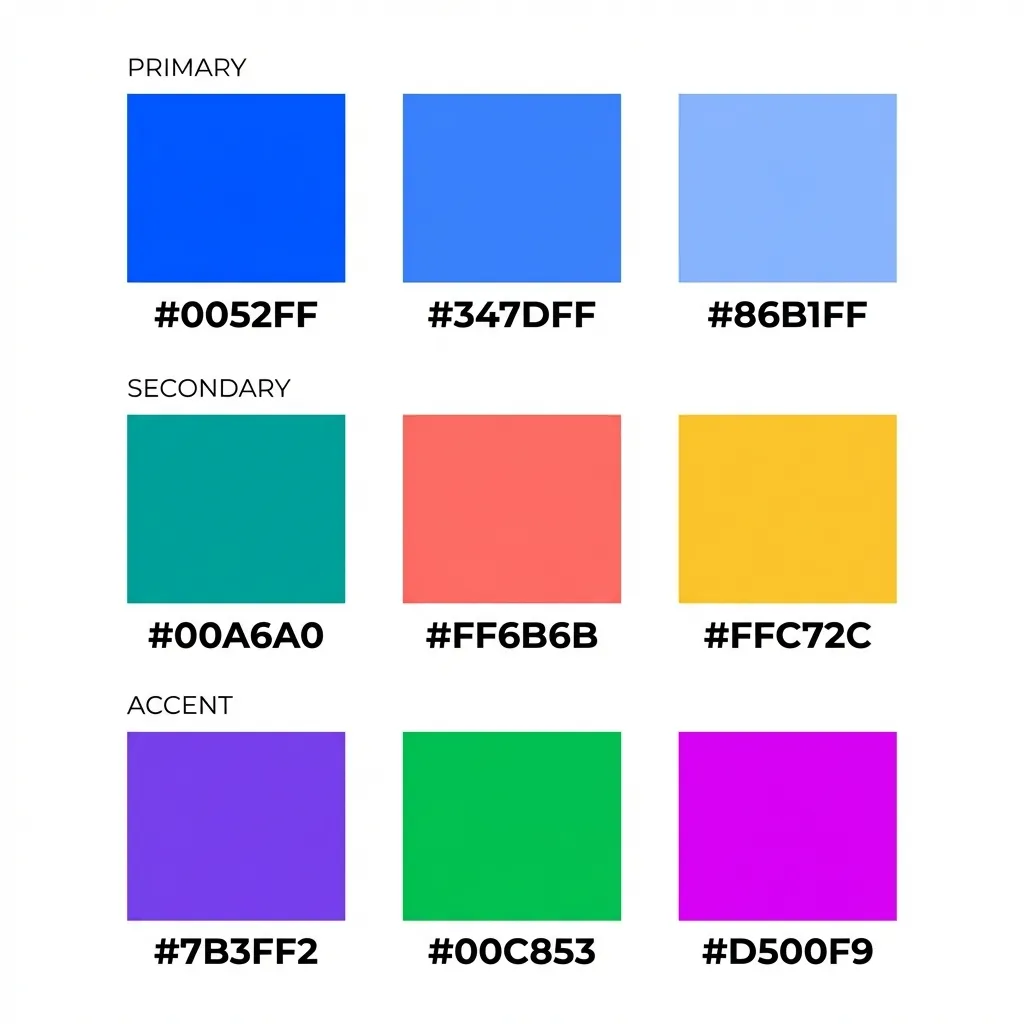
The necessity of design tokens
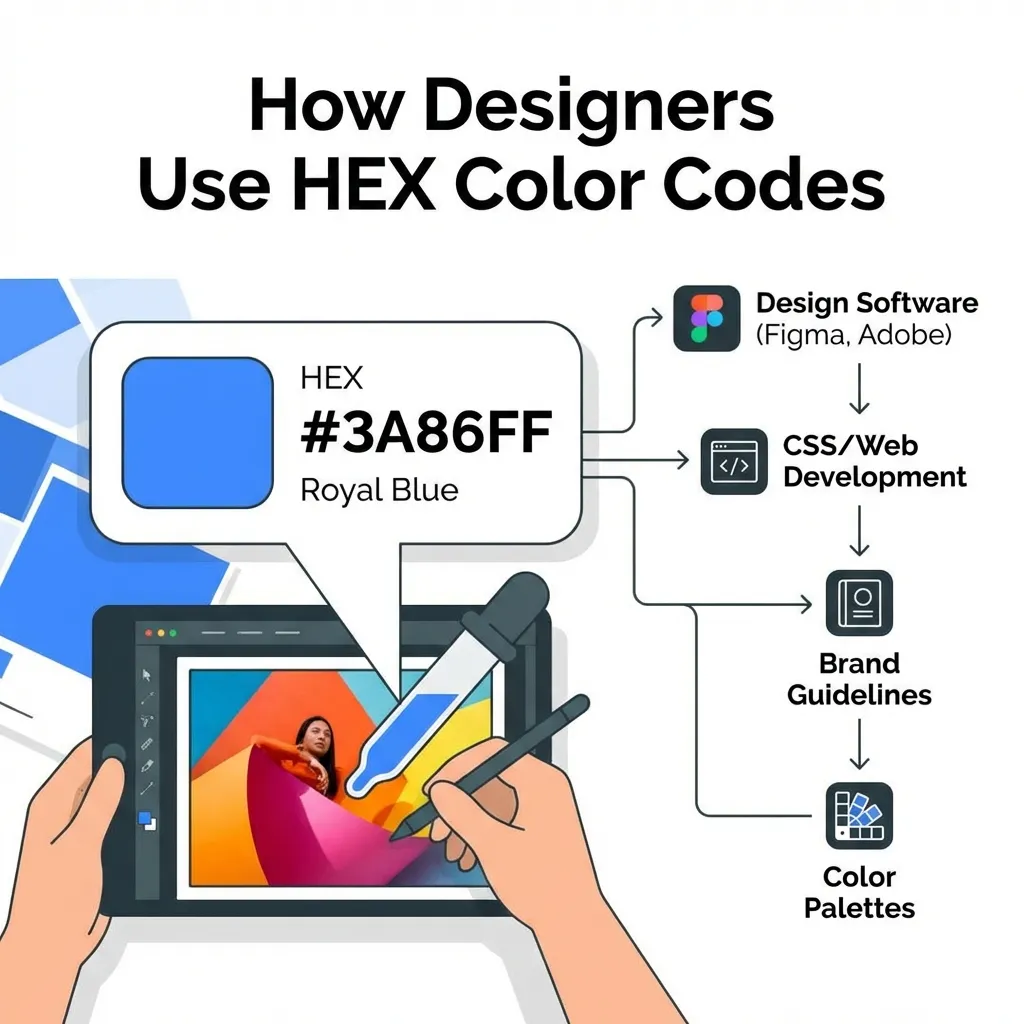
The single biggest amateur mistake in front-end development is treating hex codes as raw, disposable values. If you are pasting #3B82F6 directly into your CSS files, your React components, or your raw HTML style tags, you are doing it fundamentally wrong.
The dumb solution that works is implementing strict design tokens. You define the hex code #3B82F6 exactly once in your global architecture, label it something mathematically agnostic like Blue-500, and then map that base token to a semantic variable like --Button-Primary-Background. If the client inevitably decides they want a slightly darker, more authoritative blue next year, you update the raw hex code in exactly one place in your :root file. The entire application instantly updates. I think development teams that don't enforce design tokens are aggressively wasting 20% of their billable hours on completely pointless find-and-replace busywork.
Stepping the lightness mathematically
When professional designers need a hover state for a button, they do not eyeball it using the native OS color picker. Eyeballing colors introduces human error and destroys the mathematical harmony of the interface.
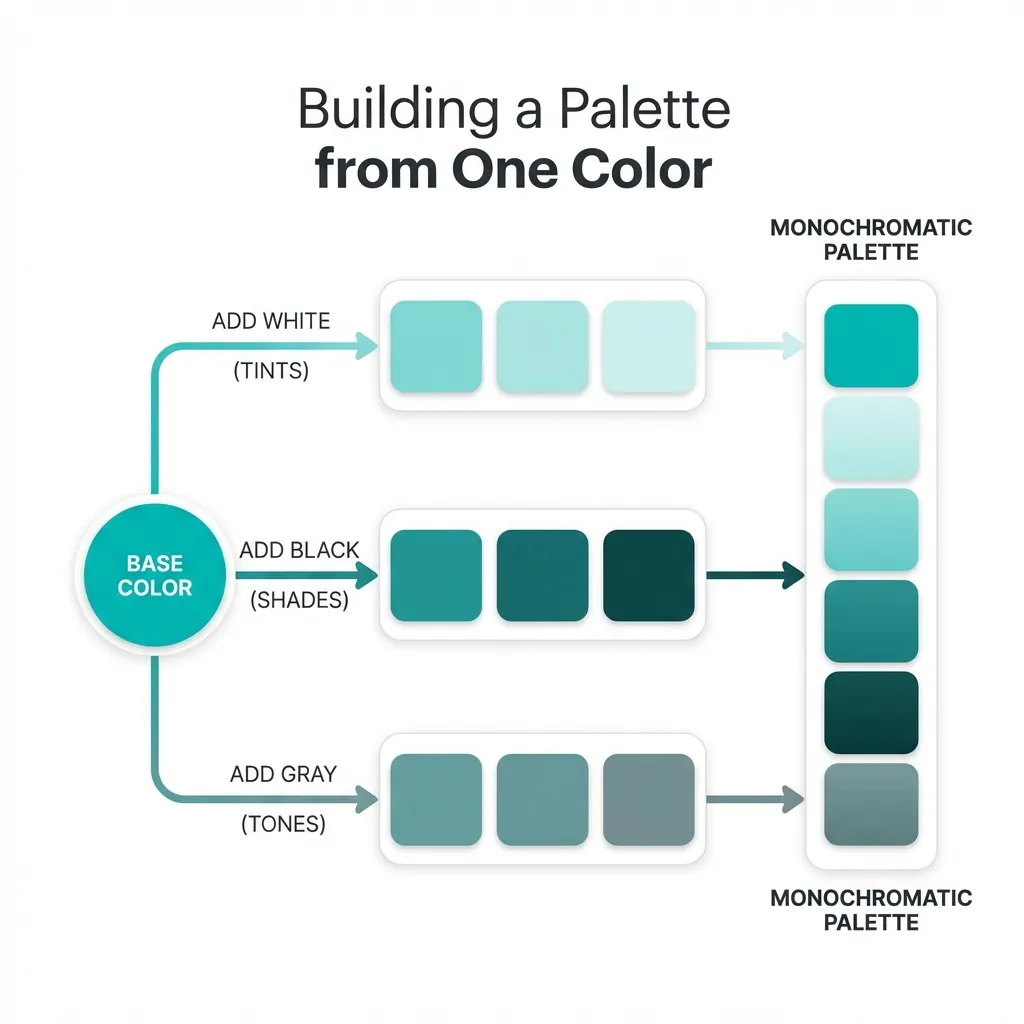
Instead, they convert the base hex code to the HSL (Hue, Saturation, Lightness) color model. They keep the hue and saturation perfectly locked in place, drop the lightness value by exactly 10%, and then convert it back to a hex code for the developer. This guarantees that the hover state belongs to the exact same color family as the base button.
There is no clean solution to generating perfect, 11-step hex scales manually in your head; the mandatory workaround is using an automated design token generator that spits out a mathematical scale from 50 (lightest) to 900 (darkest). You absolutely need extreme contrast (the 900 level) for readable text, and extreme brightness (the 50 level) for subtle background tints behind alert boxes.
(I actually built an entire Figma plugin using React last year specifically to stop myself from manually doing this HSL math every single time I needed a new badge background color.)
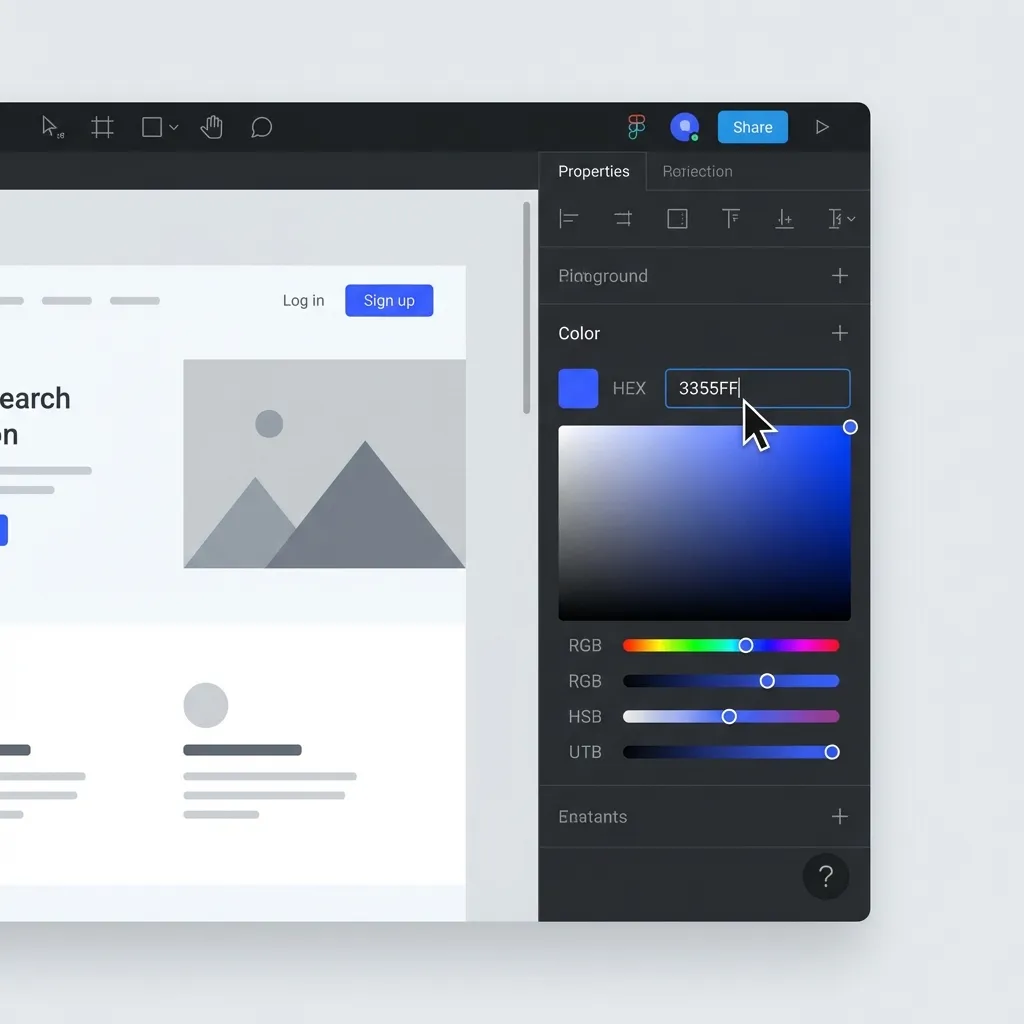
The nightmare of alpha channel hex codes
Historically, hex codes had a massive, glaring limitation: they could not handle transparency. If a designer wanted a 50% transparent black overlay, they had to force the developer to convert the hex code to an rgba(0, 0, 0, 0.5) string in CSS.
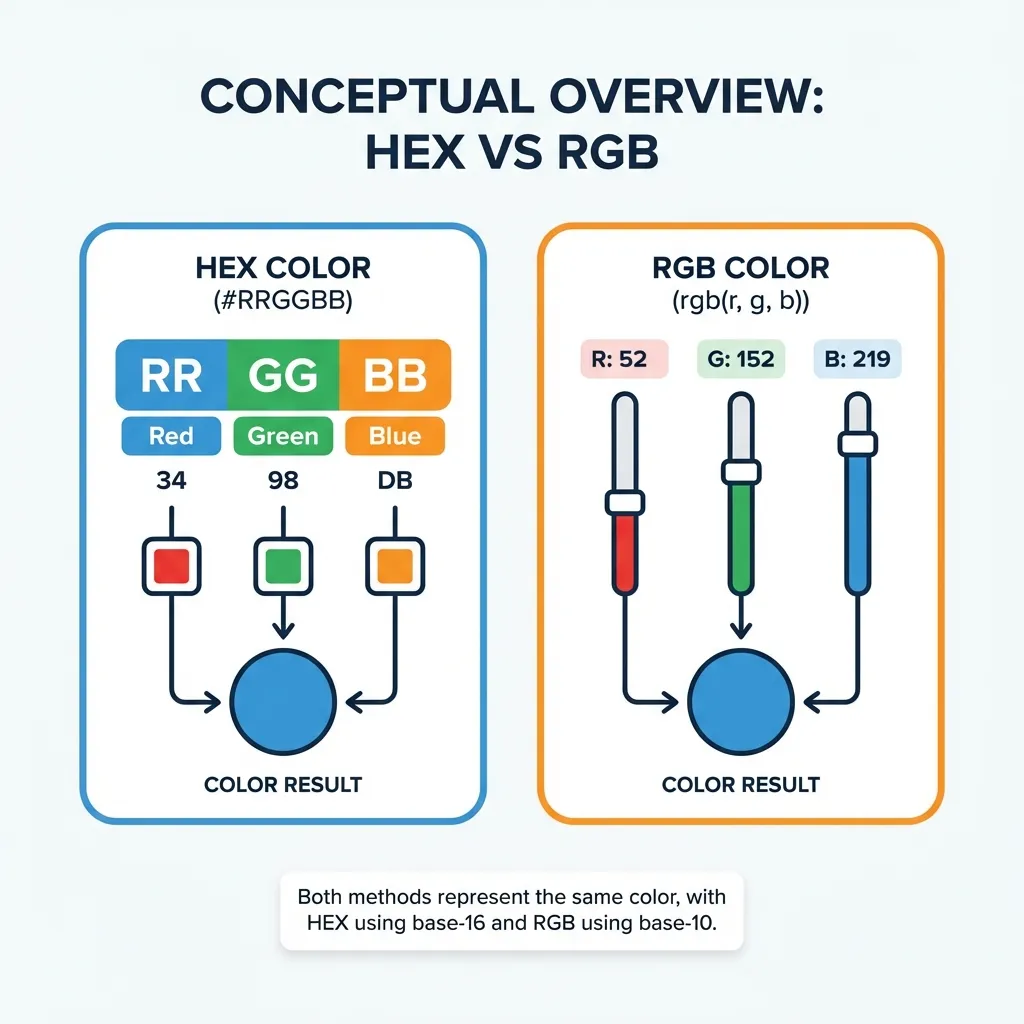
Modern browser engines finally fixed this by supporting 8-character hex codes. You can now write #00000080 to achieve a 50% transparent black. However, this introduces a severe human-readability problem. Because hex codes rely on Base-16 math, the value 80 translates to roughly 50% opacity. If a designer hands a junior developer the code #00000050, the developer assumes it means 50% opacity, but it actually renders at 31% opacity. It is a mathematical trap.
The best designers explicitly avoid 8-character hex codes during developer handoff for this exact reason. They provide the solid 6-character hex code, and explicitly declare the opacity percentage separately, allowing the developer to use native CSS functions like color-mix(in srgb, #000000 50%, transparent) to handle the complex math.
The discipline of limitation
A professional designer's hex code palette is defined by severe limitation. An entire enterprise software application rarely needs more than 15 unique hex codes. You need a primary brand hue scaled across five lightness steps, a strict neutral gray scale for typography and borders, and four semantic status colors (red, green, yellow, blue).
If your codebase contains 80 unique hex codes, you do not have a design system. You have a chaotic, unmaintainable mess. Stop treating hex codes like paint on a physical canvas. Treat them like strict variables in a programming language. Define your brand base, generate a strict mathematical scale, check every single combination against WCAG 2.1 contrast rules, and never, ever deviate from those exact values.