I switched my primary color picker tool three times last year. I finally settled on a setup that doesn't completely derail my momentum when I'm coding.
Most designers and developers just default to whatever picker is built into their operating system or their design software. That works perfectly if you never leave your design tool. But if you're pulling colors from a live web browser, a reference PDF, and a Figma file all in the exact same hour, native tools break down fast. I absolutely hate tools that require me to create an account just to copy a basic hex code to my clipboard.
The browser extension approach
If you work almost exclusively on the web, installing a dedicated browser extension is the dumb solution that works. I used the ColorZilla Chrome extension every single day for about five years. You click the little eyedropper icon in your toolbar, click any pixel on the webpage, and it copies the exact Hex code directly to your clipboard.
The fatal flaw here is sandbox restrictions. Browser extensions physically cannot pick colors outside the browser window. If you have a reference image open in Slack, or a brand guide open in a PDF viewer on your second monitor, the extension is completely useless. Plus, browser extensions often fail spectacularly on DRM-protected content. Try using a browser picker on a Netflix or Hulu frame; the screen just blacks out for security reasons.
The dedicated desktop app approach
This is where power users inevitably end up. A dedicated desktop app runs quietly in the background and can pick pixels from literally any monitor, any application, at any time.
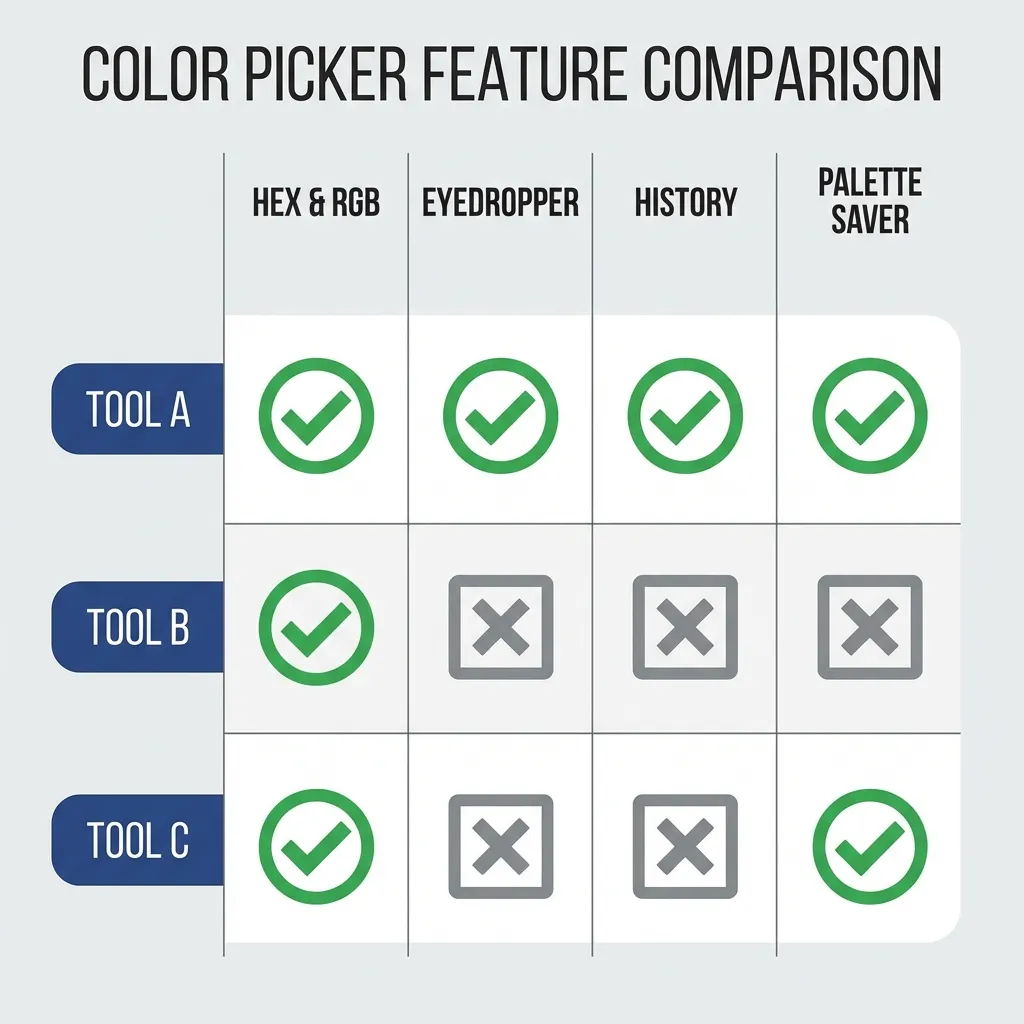
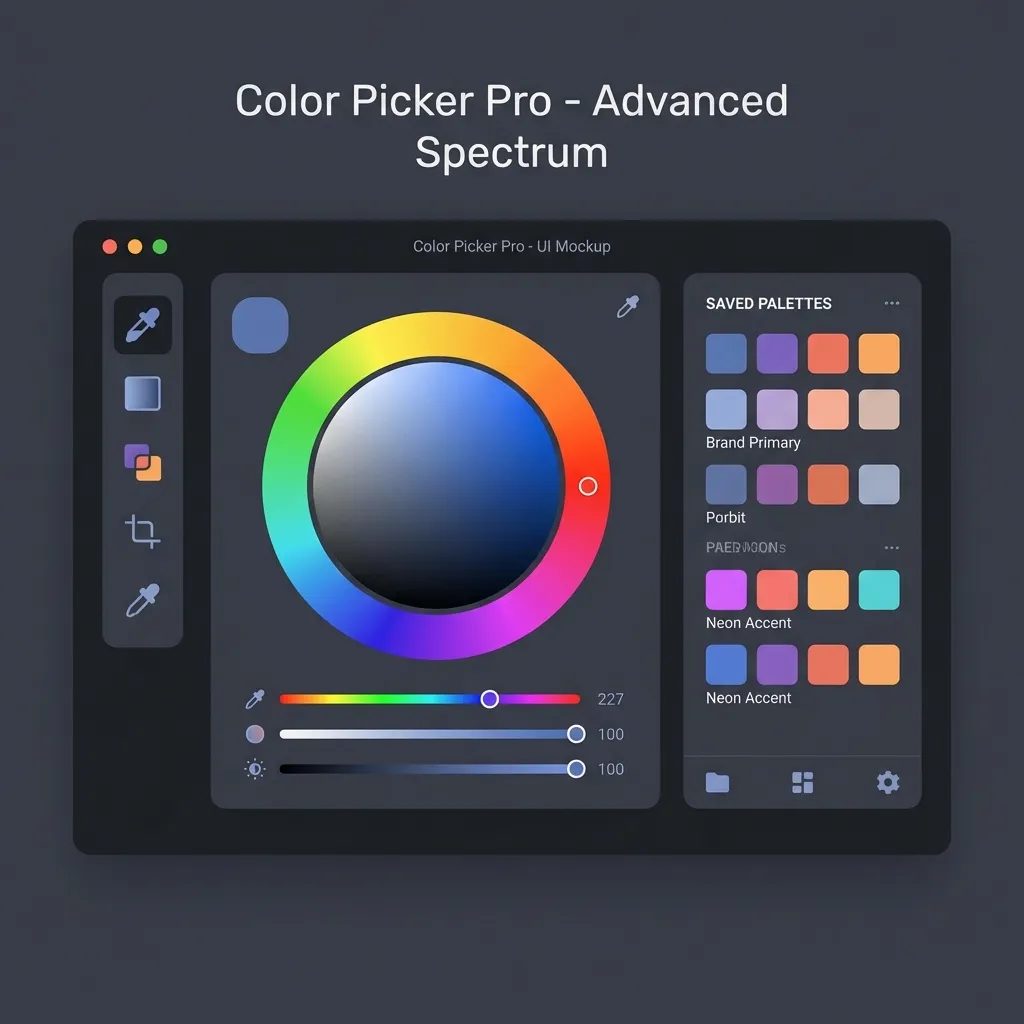
I think Mac users have it best in this category. I use Sip. It sits invisible in my menu bar, and whenever I hit the keyboard shortcut (`Cmd+Opt+P`), it brings up a highly precise magnifying glass. I can pick a color from my terminal window, a playing YouTube video, or a live Zoom call. More importantly, it automatically stores a running history of the last 50 colors I've picked. That feature alone has saved me countless hours when I accidentally overwrote my clipboard before pasting a hex code into my CSS file.
(I actually tried building my own desktop picker in Electron last year before realizing how incredibly difficult it is to get cross-platform screen recording permissions right. I abandoned the project after three days.)
The built-in OS utilities
If you work on a locked-down corporate laptop and don't want to install third-party software, MacOS actually has a tool called the Digital Color Meter built-in. It is hidden away in the Utilities folder. You hover your mouse over a pixel, hit `Shift+Cmd+C`, and it copies the color as raw text.
There's no clean native solution for Windows users. The old MS Paint trick is terrible and archaic. You have to take a full screenshot, paste it into Paint, select the eyedropper, and manually type out the RGB values into your editor. Microsoft's PowerToys suite includes a fantastic ColorPicker module that operates almost identically to Sip on Mac, but you have to actively know it exists and download it from GitHub.
I think Figma's native picker is heavily bloated for quick development tasks. If I am in VS Code and I just need one hex code from a reference image on my desktop, I am not opening a massive Electron app like Figma and waiting for it to load just to use the eyedropper tool. Stick to a lightweight desktop utility or a very fast browser extension. Your workflow should never be interrupted by a color code.